Blog Posts

 GigFlex-GeoIntelligent Scheduling Software
 By gigflexadmin
 no comment
Every staffing agency coordinator knows the feeling. It’s Tuesday morning, someone didn’t show up for their shift, a client is already calling, and you’re toggling between three spreadsheets and a phone full of unanswered texts. Two hours later, the crisis was resolved. But you’ve lost half your morning, and your best coordinator looks like they’re mentally writing a resignation letter.
That’s not a people problem. It’s a systems problem, and it’s exactly the scenario AI scheduling software was designed to prevent.
The catch is that “AI scheduling” has become a term vendors use loosely. Some products genuinely automate complex decisions. Others slap the label on a notification system and call it innovation. This guide cuts through that noise: here’s what AI scheduling software actually does, why the specifics matter enormously for staffing agencies, and how to tell whether a platform is worth your time.
By 2026, most scheduling platforms claim some form of AI capability. In practice, the intelligence behind these tools varies widely. Think of it as a spectrum.
Level 1 — Automated reminders. The system sends shift notifications and follow-ups automatically. Useful, absolutely. But this is table stakes, not artificial intelligence.
Level 2 — Availability matching. The platform shows you who’s free and lets you assign shifts from a filtered list. You’re still making every decision manually. The software just organizes the data faster.
Level 3 — Predictive fill. The system recommends the best available worker for each shift based on skills, certifications, and past availability. This is where real scheduling intelligence begins.
Level 4 — Location-aware matching. The platform factors in where each worker is right now and automatically assigns the nearest qualified person to each open shift. This is where the meaningful operational gains happen, and where most generic scheduling tools quietly stop.
For staffing agencies, Level 4 isn’t a nice-to-have. That’s the whole point.
Staffing agencies operate nothing like restaurants or retail stores. Your workers aren’t going to the same place every day. A coordinator managing 50 people across 15 client sites can’t manually track who’s closest to Site 7, who just wrapped a nearby shift, and who holds the specific certification that particular client requires. Nobody can do that in their head.
Generic employee scheduling apps were built for single-location businesses. They assume your whole team shows up at one place. Apply them to a multi-site staffing operation and you’ll find yourself doing most of the hard work anyway. The software just gives you a slightly neater version of the same spreadsheet problem.
What staffing agencies actually need from an AI scheduling platform:
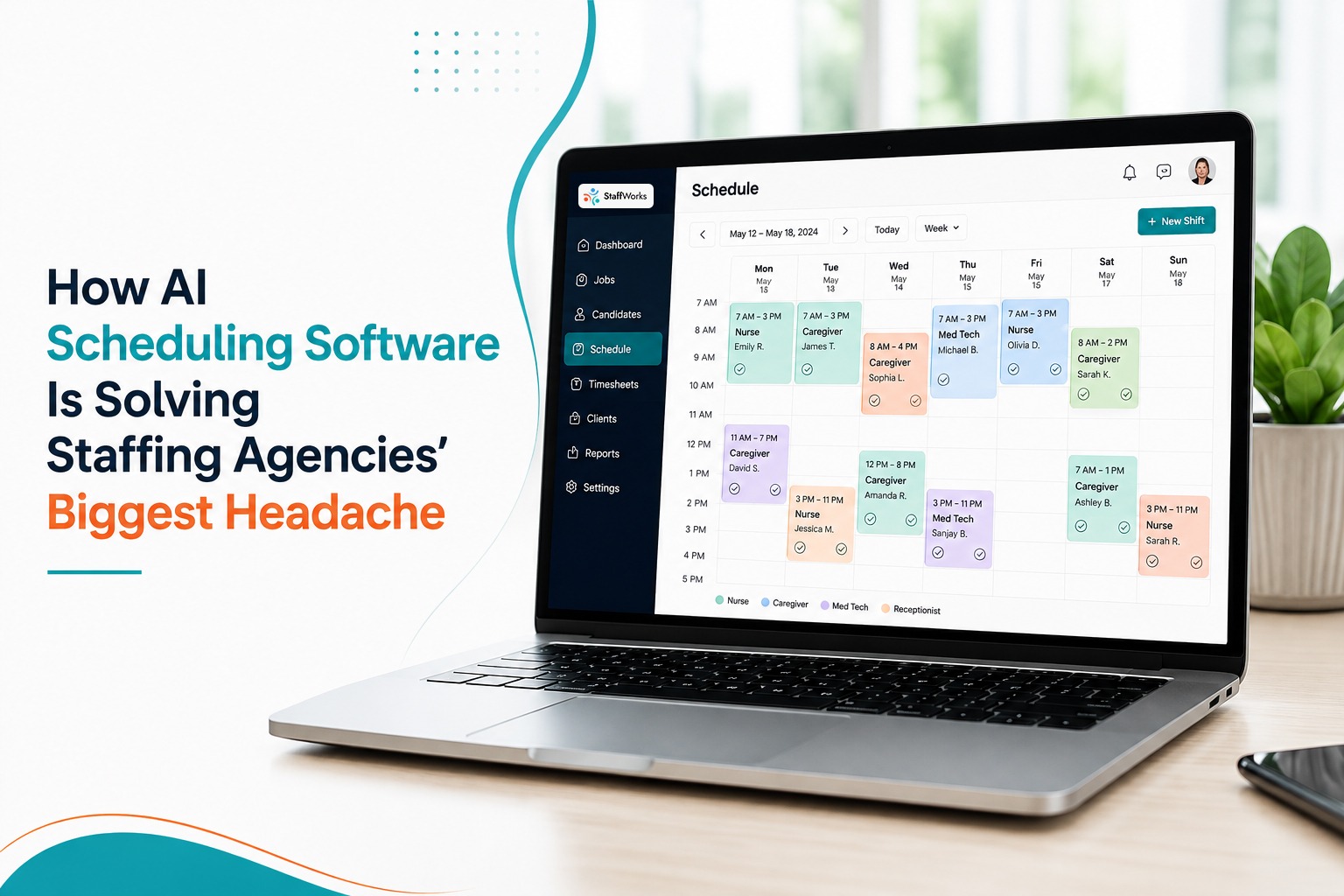
This is where StaffWorks, GigFlex’s staffing agency scheduling software, takes a genuinely different approach.
Instead of presenting a coordinator with a filtered list and asking them to pick, StaffWorks’ geo-intelligent matching engine runs continuously in the background. It monitors worker locations, availability, and certifications in real time, then assigns the nearest qualified person to each open shift before the coordinator has even looked at their dashboard.
When a worker cancels 90 minutes before a shift, the system doesn’t fire off a group notification and wait. It identifies the next best-fit replacement by location and skillset, sends a direct notification to that specific person, and tracks their confirmation automatically.
The coordinator’s role changes. Instead of reactive scrambling, they’re managing exceptions. The genuinely complicated situations still need a human judgment call. Everything else runs on its own.
Book a free StaffWorks demo to see the geo-intelligent engine in action
Before you evaluate any platform, it’s worth grounding expectations in realistic outcomes. Here’s how the numbers typically compare across scheduling approaches.
| Metric | Manual scheduling | Basic scheduling app | AI + location-aware scheduling (StaffWorks) |
| Time spent scheduling per week | 15+ hours | 8-10 hours | 3-5 hours |
| Average no-show rate | 12-18% | 10-14% | Under 5% |
| Shift fill time after cancellation | 45-90 minutes | 20-40 minutes | Under 10 minutes |
| Timesheet disputes per month | Frequent | Occasional | Near zero (GPS-verified) |
| Fill rate visibility | None or delayed | Partial | Real-time, all sites |
The GPS-verified billing row is worth pausing on. When every clock-in is location-stamped and tied to the specific client site, billing disputes stop being a recurring drain on your team’s time. Every invoice is backed by hard data. For agencies where a single billing dispute can take hours to resolve and chip away at a client relationship, that reliability alone often justifies the platform cost.
Not every platform using the words “AI scheduling” will deliver what a staffing operation actually needs. These are the questions worth asking before you commit.
Ask vendors directly: does the system assign shifts based on where workers are right now, or based on their stated availability? That distinction matters. Availability-based matching tells you who’s free. Location-based matching tells you who’s free, physically close, and realistically able to arrive on time.
This is the clearest test of actual intelligence in a scheduling platform. A genuine AI system should automatically identify a replacement, notify them, and confirm the handoff without anyone making a phone call. If the answer is “it sends a group blast and someone handles it from there,” that’s a faster version of your current problem, not a solution.
Many staffing placements depend on current certifications, whether that’s food safety, healthcare credentials, or security licensing. A scheduling system that doesn’t track expiration dates and filter assignments accordingly doesn’t reduce compliance risk. It just hides it.
If not, your team will still be reconciling timesheets manually at the end of every billing cycle. The platform should close that loop automatically, generating billing-ready exports the moment a shift ends.
Enterprise workforce management systems can take months to stand up. For a staffing agency, that timeline isn’t workable. Look for platforms that can get you fully operational within one business day, not one quarter.
Rather than run through a list of competitors, here’s a direct capability comparison between GigFlex StaffWorks and the generic AI scheduling tools you’re most likely to encounter.
| Capability | Standard AI scheduling apps | StaffWorks by GigFlex |
| Worker availability matching | Yes | Yes |
| Location-based auto-assignment | Not typically | Core feature |
| Multi-client site management | Add-on or unavailable | Built in |
| GPS-verified billing export | Rare | Automatic |
| Automated replacement on cancellation | Partial | Fully automated |
| Certification and license tracking | Varies | Included |
| Setup time | Days to weeks | Under 1 business day |
If your operation spans multiple industries, it’s also worth knowing that GigFlex applies the same location-aware engine to home healthcare staffing through CareHudl, and to large-scale event crew management through EventWorks.
Fear of disruption is one of the most common reasons agencies stay on tools they know aren’t working. Coordinators have built habits around their current setup, imperfect as it is. Workers expect shifts to arrive a certain way.
The StaffWorks onboarding process is built around that reality.
Day 1: Import your worker roster, including skills, certifications, and availability preferences. For most agencies, this takes under 30 minutes.
Day 1, continued: Configure your client sites with their specific requirements: shift types, required credentials, billing rates. The system is ready to run a test schedule by the end of the afternoon.
Day 1, continued: Run a test schedule. Review how the geo-intelligent engine assigns workers. Adjust anything that doesn’t fit your operation.
Week 1: Go live with real shifts. Coordinators move into exception management rather than schedule building.
Week 2 onward: Track the time recovered. Most agencies report a significant reduction in scheduling time within their first two weeks of live use.
Talk to a GigFlex onboarding specialist, free and with no commitment
“AI scheduling software” covers an enormous range of products, from basic notification tools to genuinely intelligent systems that make location-aware decisions in real time. For staffing agencies, the difference between these categories is not subtle. The capabilities that actually change how an operation runs, automatic location-based assignment, GPS-verified billing, automated cancellation handling, and real-time multi-site visibility, exist in a relatively small number of purpose-built platforms.
If your agency is still coordinating through spreadsheets and phone calls, or using a generic app that requires manual intervention every time something changes, the operational case for switching is clear. The remaining question is which platform is the right fit for your specific operation.
Ready to see how GigFlex StaffWorks handles your agency’s scheduling in a 20-minute live walkthrough?
Often more so than for larger ones. Smaller agencies run lean, with coordinators handling multiple responsibilities at once. Getting back 10 to 12 hours of scheduling time per week is significant for a team of four or five people. The ROI case is usually straightforward.
Standard apps automate reminders and let you assign shifts from a filtered list. AI scheduling software goes further by recommending or automatically assigning the best worker based on live variables like location, skills, and availability. The most advanced systems, GigFlex StaffWorks among them, use location intelligence to match workers to shifts based on where they actually are rather than just whether their calendar shows them as available.
No. The GigFlex worker app is designed to function like any other smartphone app your team already uses. Workers get shift notifications, confirm with a single tap, and clock in on arrival. Most are comfortable with it by their first shift.
Two ways. Location-aware assignment means workers are matched to shifts they can realistically reach, which reduces last-minute cancellations caused by travel time. Automated reminders and confirmation tracking flag at-risk shifts before they become no-shows, giving coordinators time to act rather than react.
Generic scheduling tools often struggle with this, or charge extra for it. StaffWorks was purpose-built for multi-site staffing operations. The real-time dashboard shows fill rates and coverage across all your client sites simultaneously, from a single screen.